
Destiny Discover App
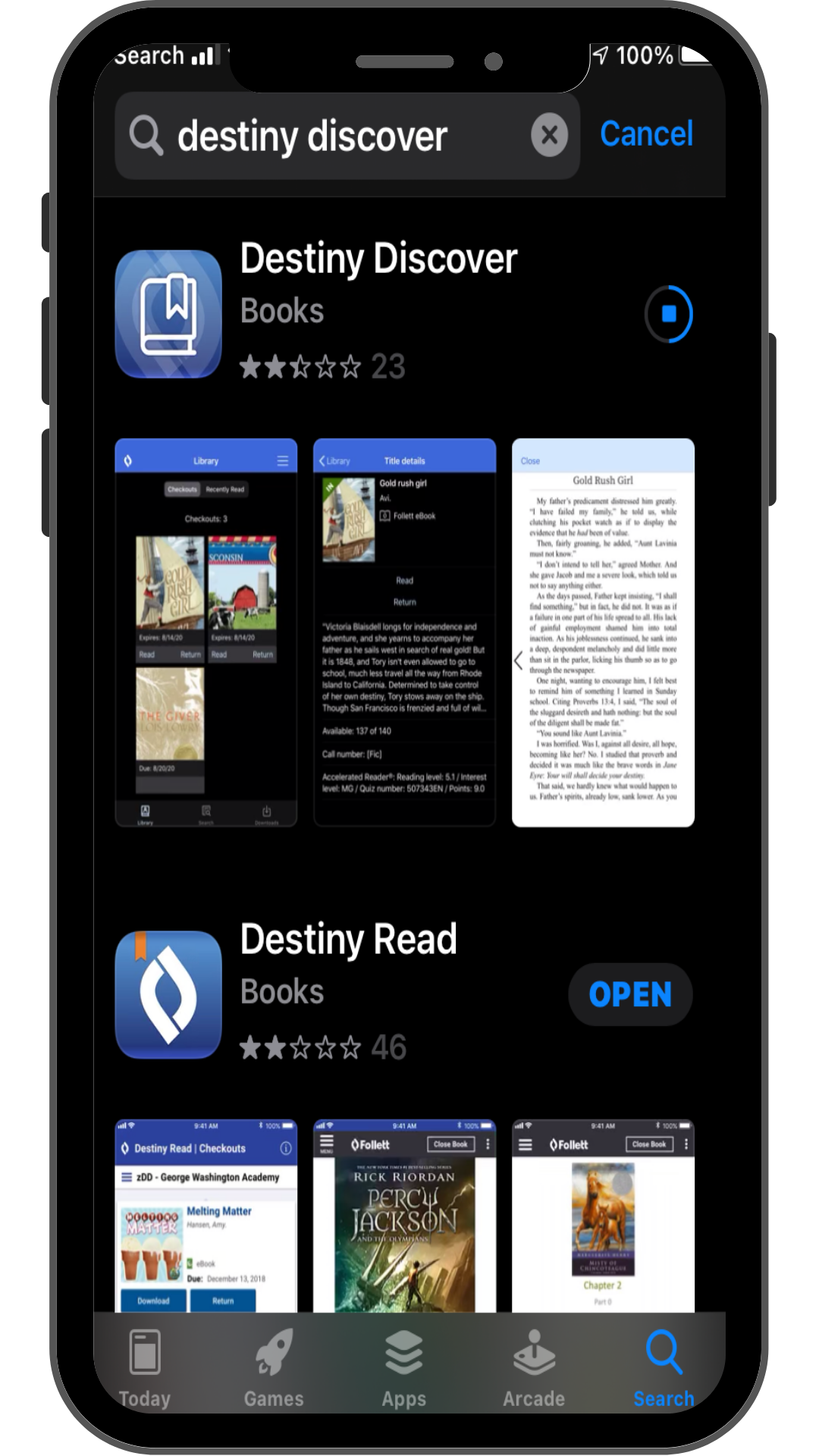
The Destiny Discover app allows you to checkout and read / return eBooks from your school's LMC.
Download the Destiny Discover App on iOS or Android.
Download the Destiny Discover App on iOS or Android.
|
|
|
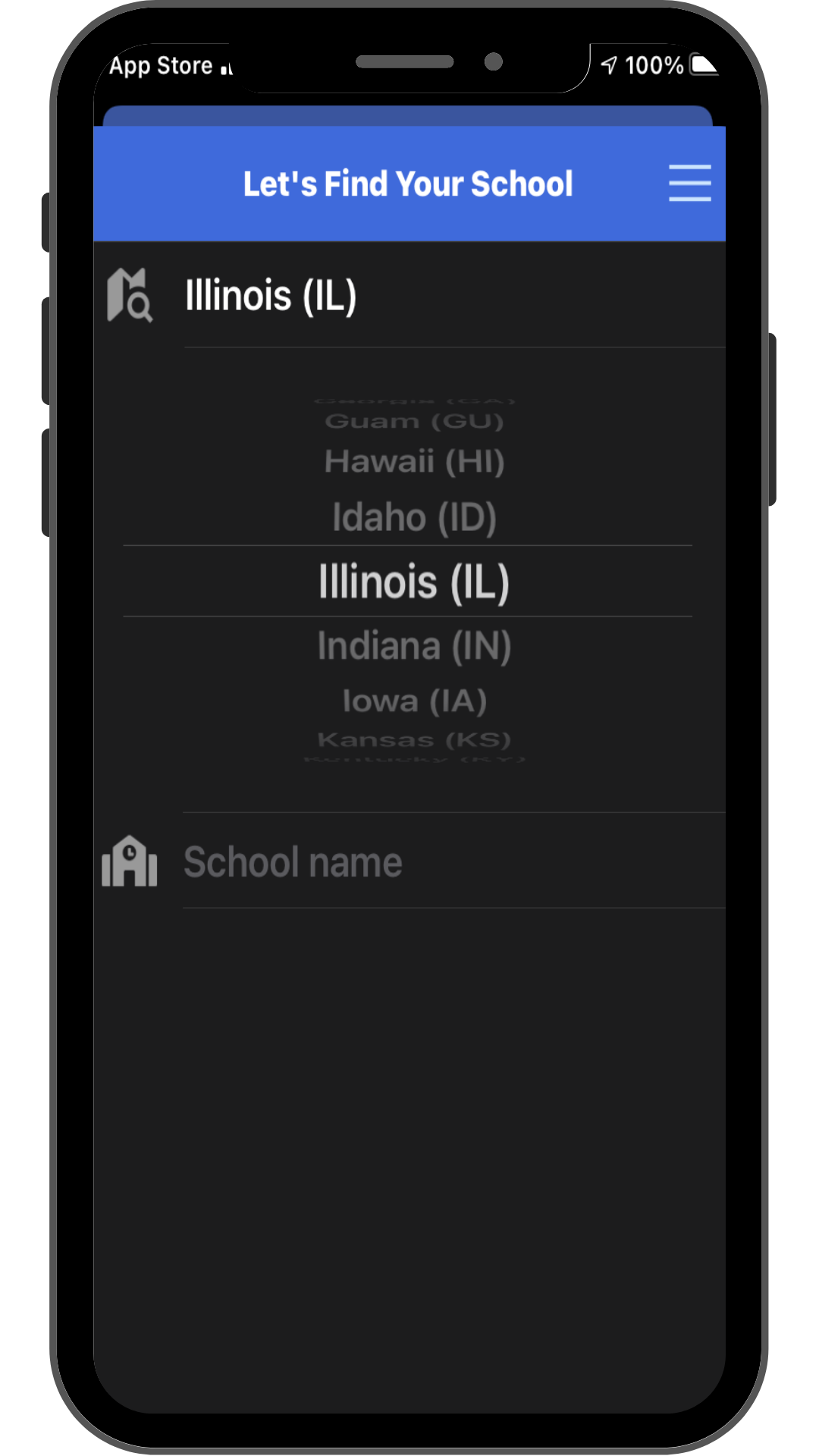
The first time you use the app you will have to find your school and login to the app.
Choose your State. Search for your School. Confirm that the selected school is correct. Login using your current district username and password. It is the same one you use to login to the SSO portal. |
|
Click the search icon at the bottom of the screen to search to get to the search screen.
|
|
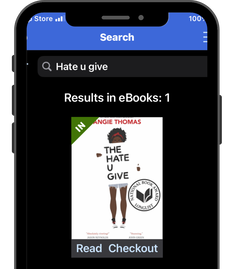
Use the search box at the top of the screen to look for the title.
If the title has a green triangle with IN on it, you can click the checkout link under the book. If the eBook has a red triangle with OUT on it, place a hold on the web version of Destiny Discover on your Chromebook. |
If you successfully checked out the book, you can click the Read link under the book.
Swipe left or right with your finger to turn the pages.
Click the 3 dot menu in the top right corner of the screen to change the display options.
Click the 3 line menu in the top left corner of the screen to get a book menu.
Swipe left or right with your finger to turn the pages.
Click the 3 dot menu in the top right corner of the screen to change the display options.
Click the 3 line menu in the top left corner of the screen to get a book menu.
