
Destiny Read App
Find & Checkout an eBook or eAudiobook
Log into the SSO portal.
Click on the Destiny Student icon.
If you don't see it, search using the box at the top.
Click on the Destiny Student icon.
If you don't see it, search using the box at the top.
Use the Audiobook or eBooks categories on the front page if you want to browse titles.
Or search for a title or author in the search box at the top.
Or search for a title or author in the search box at the top.
Available titles will have buttons that say Open, Play (for audiobooks) or Checkout.
Open or Play the title if you just want to read or listen on your Chromebook without adding it to your LMC account.
Checkout the title if you want to check it out and / or download the title.
Open or Play the title if you just want to read or listen on your Chromebook without adding it to your LMC account.
Checkout the title if you want to check it out and / or download the title.
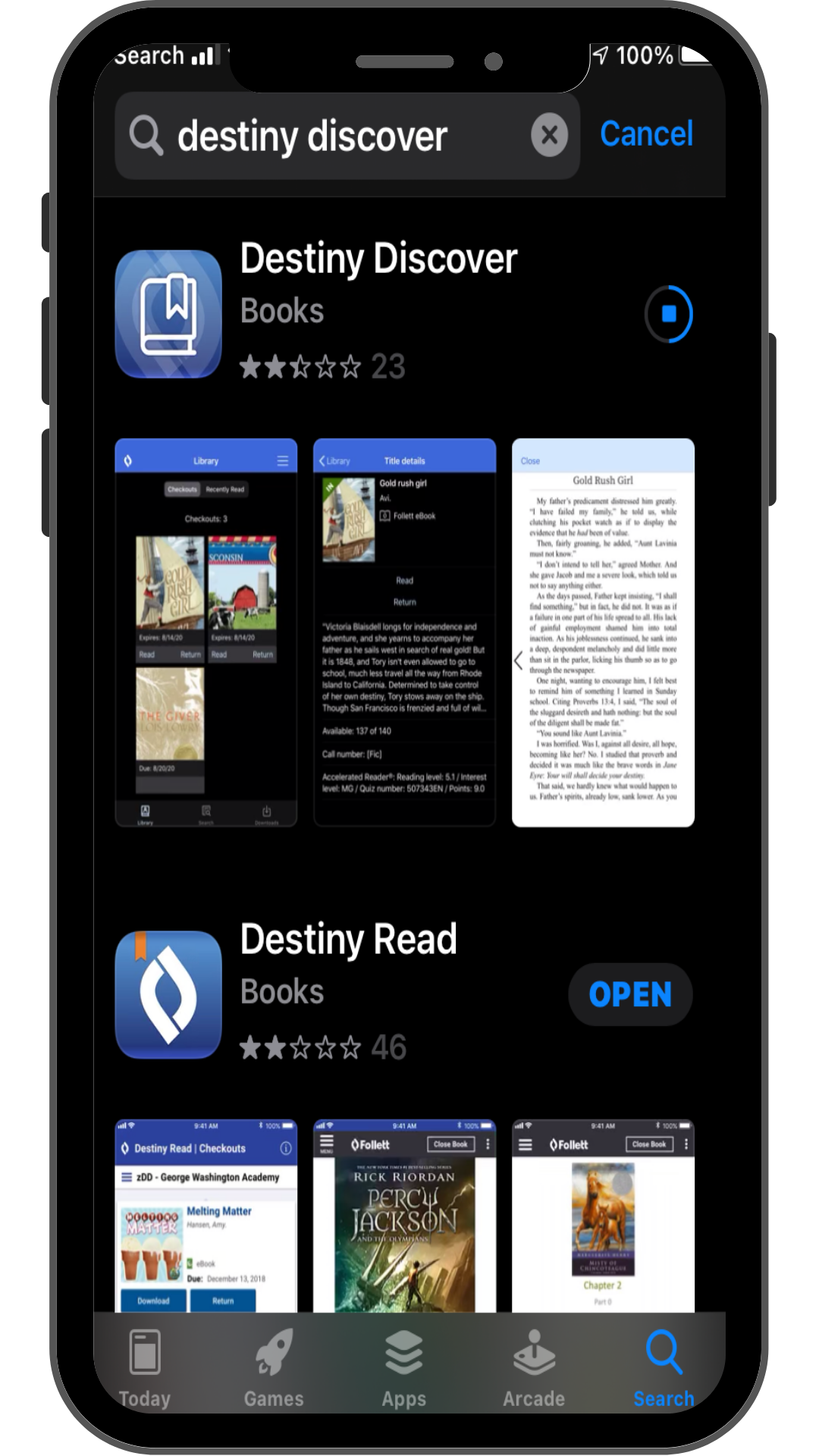
Download Titles to Your Phone or Tablet
Log into the app:
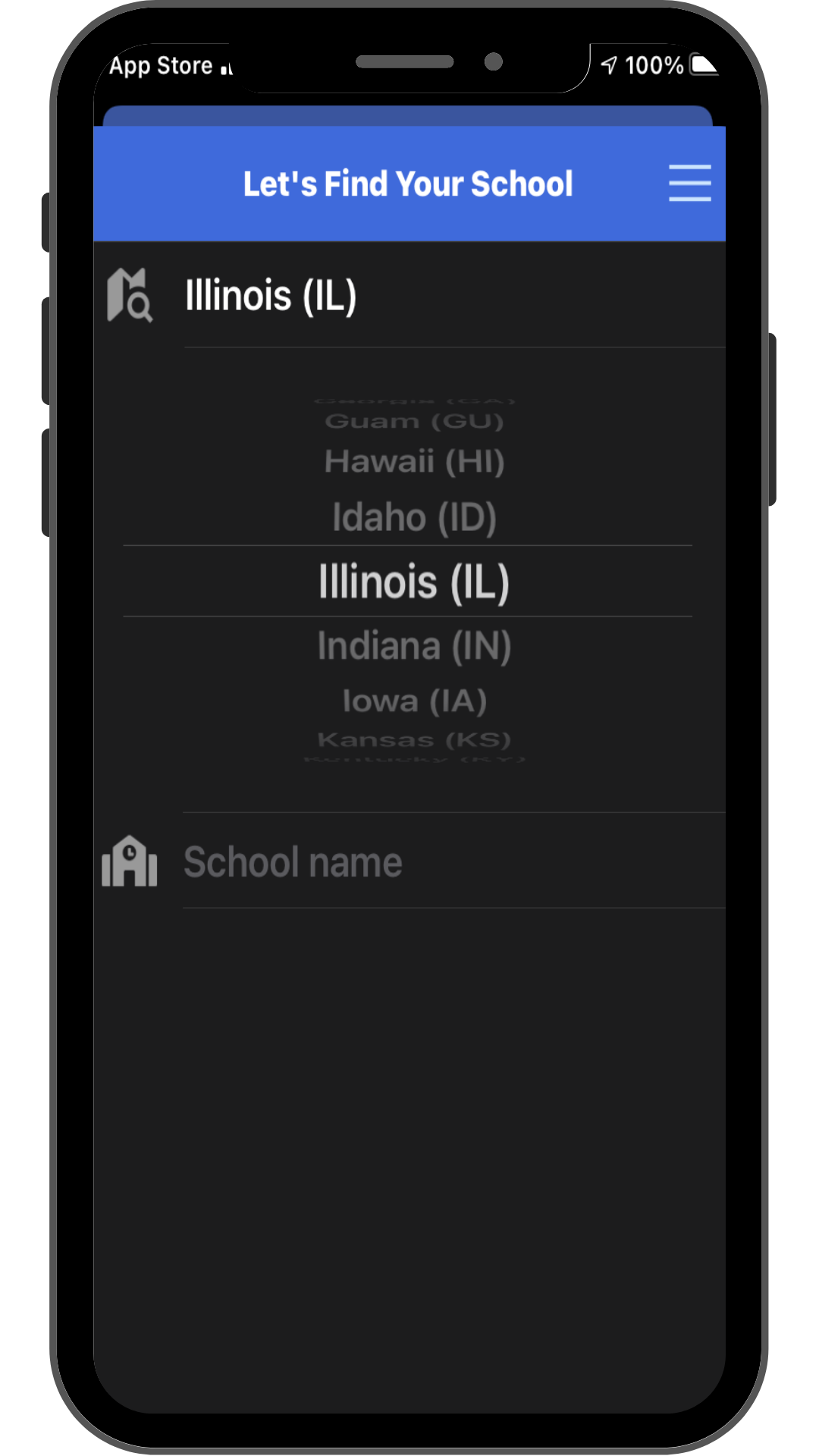
1. Find Illinois in the list of states.
2. Search for your high school.
3. Login using your current district username and password.
1. Find Illinois in the list of states.
2. Search for your high school.
3. Login using your current district username and password.
Download the titles that you have checked out.
4. Click the Download button for any titles you want on your device.
5. Wait for the title(s) to download.
6. Click Open or Play button to read or listen to the book.
4. Click the Download button for any titles you want on your device.
5. Wait for the title(s) to download.
6. Click Open or Play button to read or listen to the book.
